Author Archives: allsketchup

  • Enscape 4.12.0 update

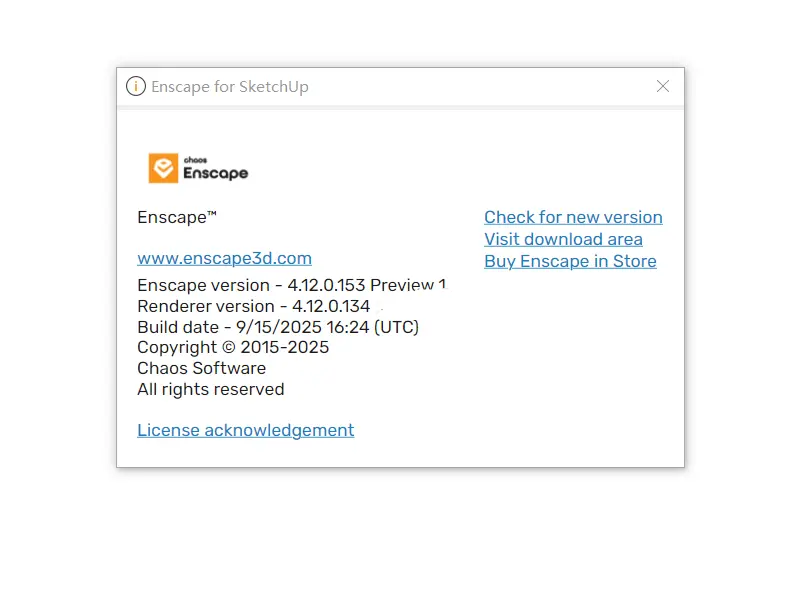
    Enscape 4.12.0 Version Released

    Enscape 4.12.0 Released! New features include grass self-shadowing, the return of SketchUp external model support, and compatibility with Revit composite visual filters. Compatible with SketchUp/Vectorworks 2026 Beta. Optimized Rhino mirror materials. Fixed multiple bugs.

    New

    • Improved Grass Shading: Improved shading quality of our existing 3D procedural grass material, which now casts shadows onto itself.
    • Save as External Model for Enscape Returns to SketchUp: The “Save as External Model for Enscape” feature is back in SketchUp. This powerful workflow lets components be saved as lightweight external files (Linked Models), improving project performance by replacing detailed models with wireframe placeholders inside SketchUp. Once loaded in Enscape, the full geometry appears in real-time. After a temporary removal due to bugs, it’s now reintroduced with improved stability.
      Note: live update support for external documents will be introduced in an upcoming release.
    • Virtual Environment Guide Coming Soon: To address growing demand for remote workflows, we’re finalizing a new guide covering how to run Enscape on virtual environments via remote access. While we still only officially support local installations, the document shares internally tested setups and best practices for remote use.
      In parallel, we’ve resolved a known issue where the camera viewpoint jumped unexpectedly when using Windows Remote Desktop with multiple displays. This fix is part of our broader virtual environment improvements. Please try it out and share your feedback.
    • Revit Combined Visual Filter Support: Enscape now reflects Revit’s behavior when multiple visual filters are applied to the same elements. Visual overrides like color and transparency are now combined, just like in Revit.
    • Vectorworks 2026 Beta Support: We’ve added initial support for Vectorworks 2026. Currently evaluating the new version’s features to determine what additional improvements might be useful.
    • SketchUp 2026 Beta Compatibility: Support for the SketchUp 2026 Beta is now available. Full support will follow when Trimble officially releases it.
    • Rhino Mirror Material Consistency: Improved consistency when rendering mirror materials using Rhino’s physically based materials. Enscape now more accurately interprets 0 roughness / 100% metallic values, making mirrors appear correctly without needing to switch to the Enscape material type.

    Fixed Bugs

    • VRScene: Fixed an issue preventing .vrscene files from being saved into folders containing non-ASCII characters.
    • Rhino: Fixed Rhino’s physically based materials not being shown correctly in Enscape when the material’s metallic value was 0.5 or above.
    • SketchUp: Envisions object containing SketchUp’s top-level ungrouped geometry is no longer unnamed when a V-Ray Scene Export is done and the resulting .vrscene file is opened in Envision.
    • SketchUp: Fixed an issue where modifying or removing component instances caused glued entities to not update, leaving holes in the geometry.
    • SketchUp: Fixed an issue where Enscape failed to initialize in SketchUp 2025 when the main window handle was not retrieved.
    • Vectorworks 2025 Update 6: Fixed an issue that caused Enscape to stop syncing after switching to a 2D perspective.

    Known Issues

    • Enscape crashes in (heavy load) captures: Crash in PathTrace.glsl may occur under high GPU loads when rendering large screenshots (e.g., 4K with artificial lights or 6K without artificial lights).
  • Enscape 4.11.0 Version Released

    Enscape 4.11.0 is a critical maintenance release that addresses multiple issues present in Enscape 4.10.0 and enhances software stability. This update is essential for users who wish to continue receiving the latest assets in the future, and upgrading is strongly recommended.

    New

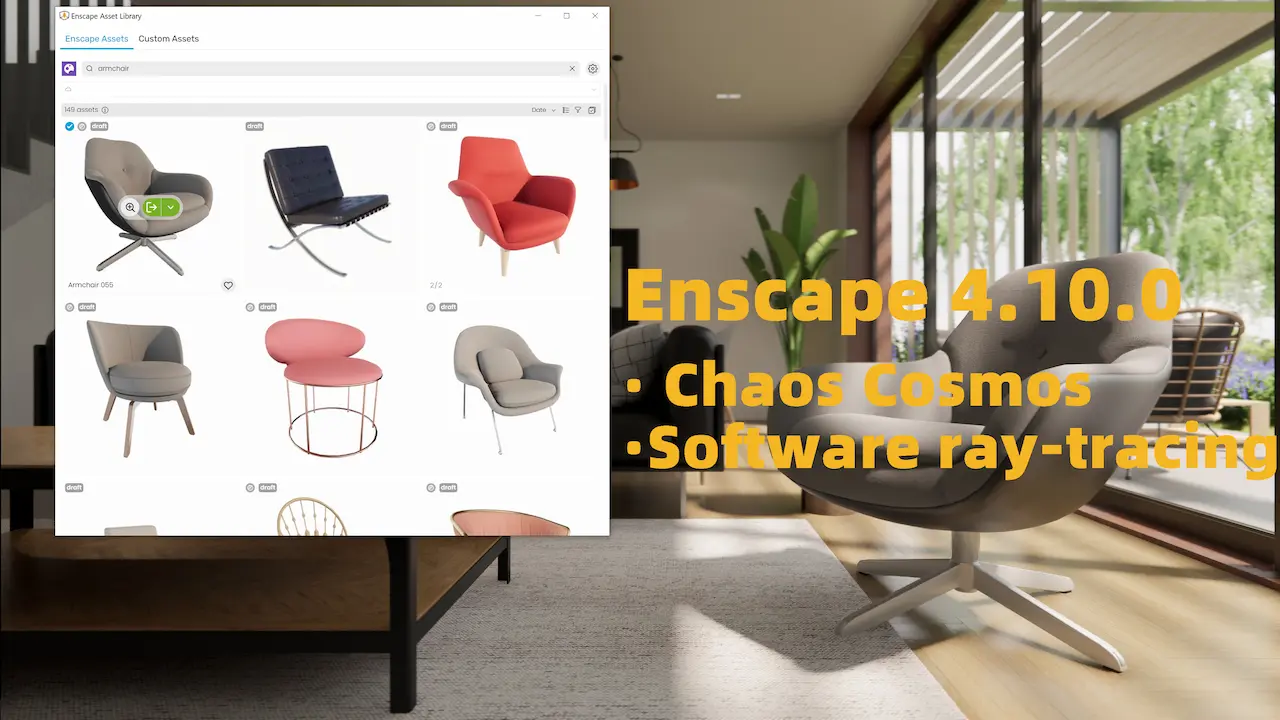
    New Asset Delivery Platform: Chaos Cosmos

    Enscape now utilizes the Chaos Cosmos platform to deliver assets. While the assets themselves remain unchanged, the underlying system is undergoing a major upgrade:

    • Enhanced search and filtering capabilities for easier discovery.
    • A more modern and intuitive interface for browsing and placing assets.
    • A unified experience across Chaos products, with room for future expansion.
    • The same Enscape asset files are now available through Cosmos.
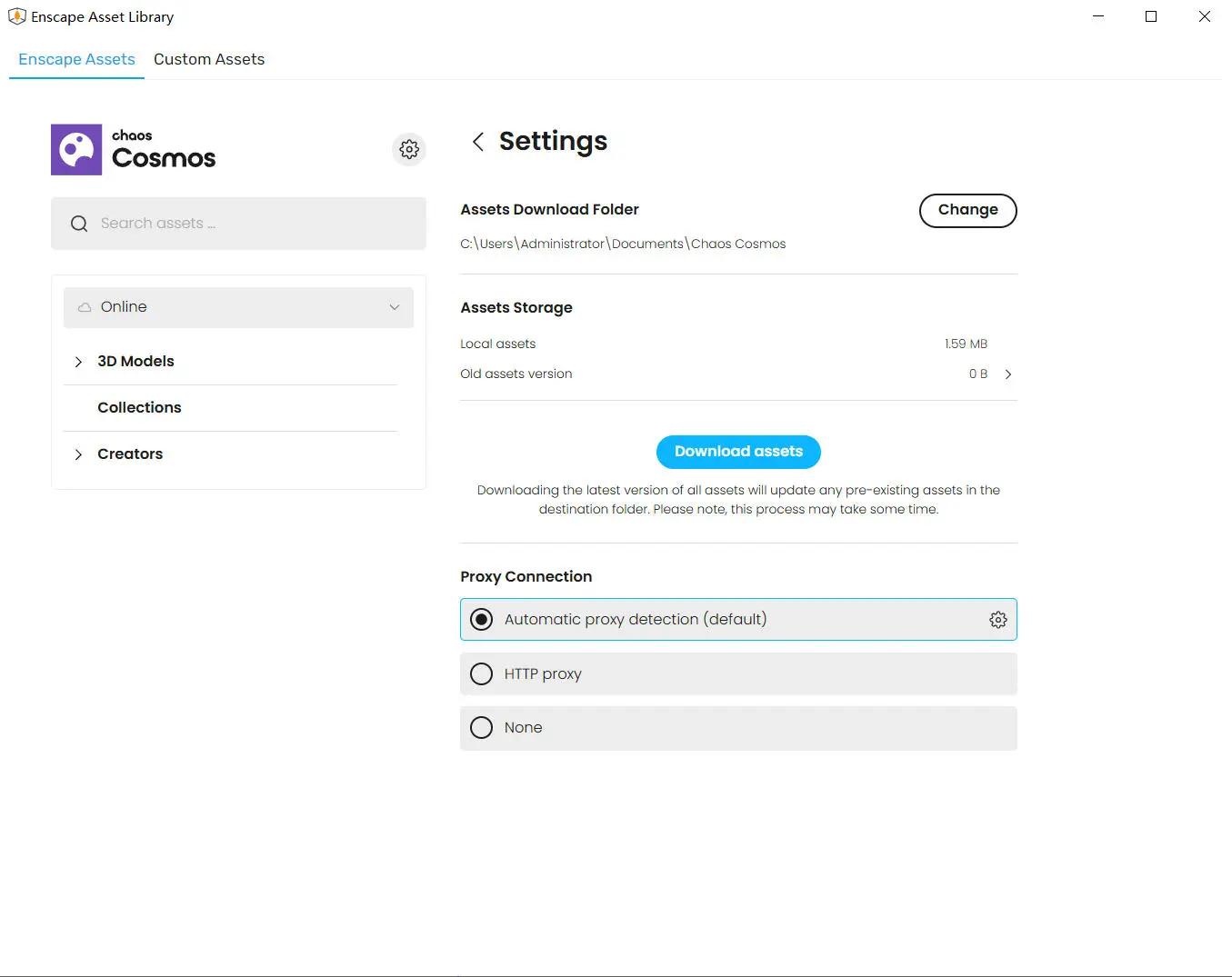
    • An option to download all resources at once from the Cosmos settings menu.

    We plan to release a large number of new assets soon, which will be available exclusively through the Cosmos delivery system. Therefore, only users with Enscape 4.11 or later will receive the new assets after release. Older versions of Enscape will not receive the new assets. This limitation is due to internal changes in our asset delivery mechanism.

    • Version 4.11 also includes significant improvements to prepare for upcoming assets, ensuring a seamless user experience once they become available.
    • Software Raytracing: Introduces colored sun shadows and supports capture and walkthroughs in fog at Ultra quality.
    • V-Ray Scene Export Improvements: V-Ray scene exports now include Revit graphic overlays if enabled in Enscape.
    • PBR Material Roughness Texture Support: Enscape now supports PBR roughness textures from Rhino Physically Based Materials (for Rhino 7 and 8), while maintaining compatibility with legacy custom materials.
    • Updated IES MTE (0.37): Provides improved carbon emission mapping based on location.
    • UI adjustments: Optimized workflow with clearer labels and tooltips.
    • Automatic Geometric Optimization for Scenes: A novel approach that enhances rendering performance by automatically simplifying geometric shapes.
    • Organization administrators can now disable AI features (Veras and AI Enhancer) by setting the environment variable CHAOS_DISABLE_GEN_AI to 1, in accordance with company policy requirements. This action can be performed at the user level or system level.

    Fixed bug

    • Resolved an issue causing Revit to generate redundant notifications.
    • SketchUp: Fixed performance degradation during undo/redo operations.
    • Video Editor: Fixed Enscape stuttering when double-clicking the video preview play button while the General Settings window is open.
    • View Management: Fixed a rare crash when the renderer unexpectedly exits during view management operations.
    • Fixed an issue where performance maps displayed incorrectly under certain visual settings.
    • Collaborative Annotations: Fixed the disappearance of collaborative annotation titles on mouse hover, resolved duplicate collaborative annotation IDs instead of sequential incrementation, and addressed multiple undo steps generated when creating or deleting embedded collaborations in CAD.

    Known Issues

    • SSO login bug prevents second users from using Enscape on the same computer – The second user cannot log into Enscape with their credentials and obtain a license session.
    • Enscape may crash during capture: When rendering large screenshots (e.g., 4K resolution with artificial lights or 6K resolution without artificial lights), crashes may occur under the PathTrace.glsl path due to high GPU load.
    • When using physically based materials and switching texture coordinate mapping to World Box or World Plane in the Enscape Material Editor, the mapping does not take effect. This issue does not occur when using the Rhino Material Editor. Until fixed, use the Rhino Material Editor to set world coordinate mapping.

    Enscape download

  • Enscape 4.10 0 is here welcome chaos cosmos free download

    Enscape 4.10.0 is Here:Welcome Chaos Cosmos

    Enscape now uses the Chaos Cosmos platform for delivering all your favorite assets. While the assets themselves remain the same high quality you trust, the way you access and manage them is now better than ever.

    New

    • New Asset Delivery Platform: Chaos Cosmos

    Enscape now uses Chaos Cosmos as the platform for delivering assets. While the assets themselves remain unchanged, the system behind them is getting a major upgrade:

      • Improved search and filtering for easier discovery
      • More modern, intuitive interface for browsing and placing assets
      • Consistent experience across Chaos products, with room for future growth
      • Same Enscape assets, now delivered through Cosmos
      • Option to download all assets at once from the Cosmos settings menu

    planning to release a large number of new assets soon. These will only be available through the Cosmos delivery system; therefore, only users on Enscape 4.10 and newer will receive the new assets once released. No new assets will be added to older Enscape versions. This limitation is due to internal changes in our asset delivery mechanisms.

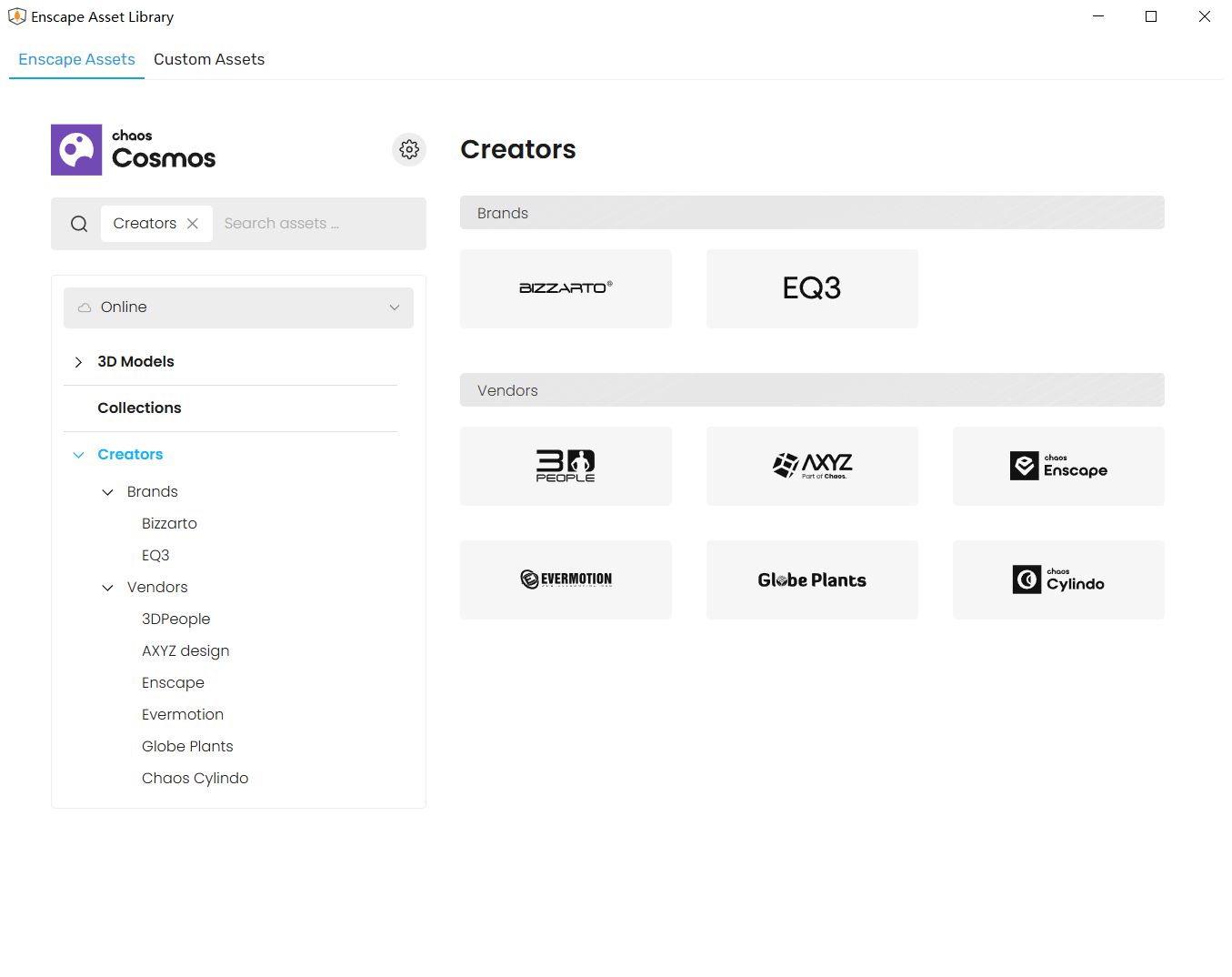
    Enscape_Asset_Library_settings
    Enscape 4.10.0_Asset_Library_settings
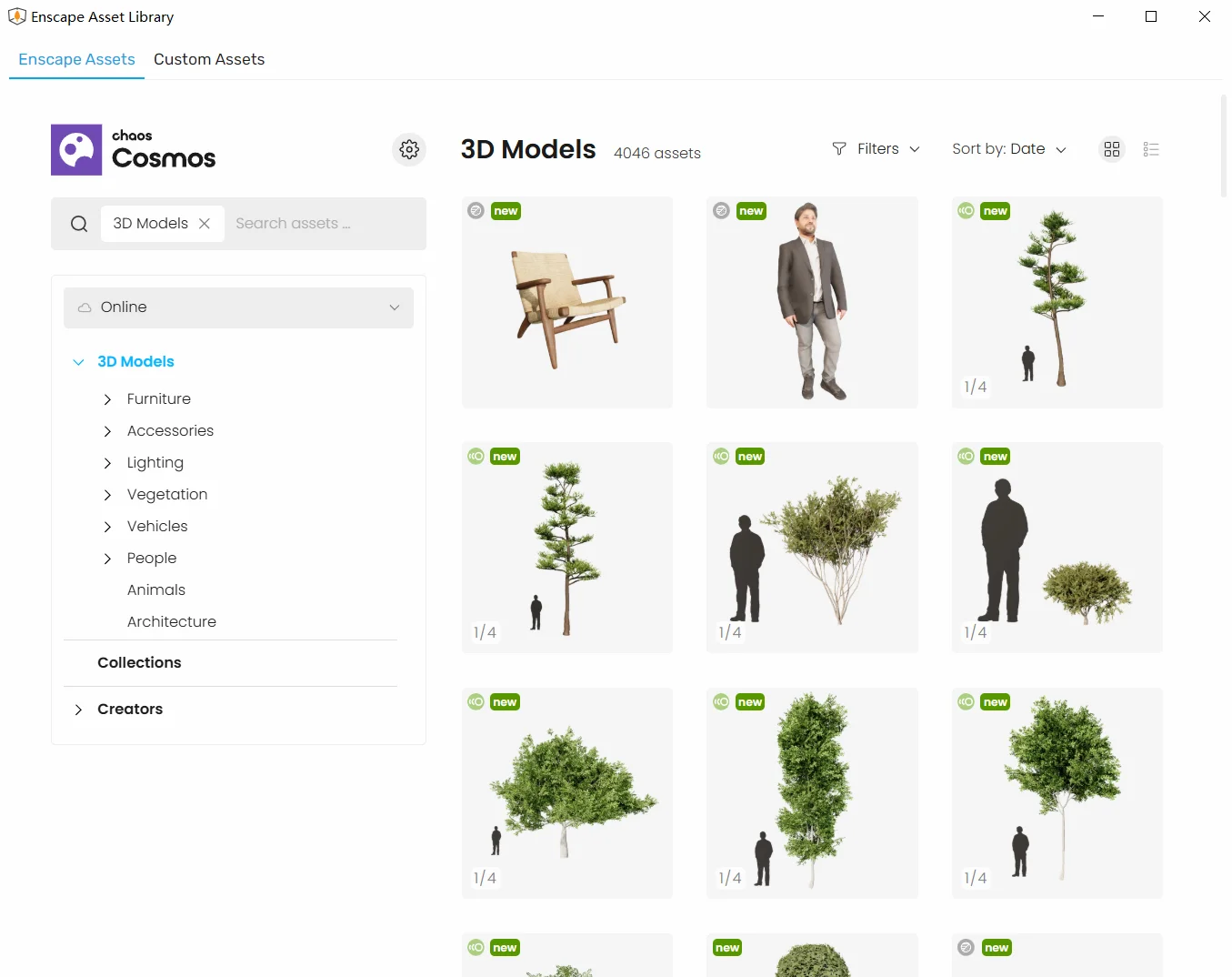
    Enscape Asset Library 3d models
    Enscape Asset Library 3D Models Categories (3D Models 4,046 assets and growing)
    • Software ray-tracing: Introducing colored sun shadows for software ray tracing including support in fog for capture and walkthrough in Ultra quality
    • V-Ray scene export improvements: Revit graphics overrides are now also taken in account for the V-Ray Scene Export if they are enabled for Enscape.
    • [Rhino] PBR Material roughness texture support: Enscape now supports PBR roughness textures from Rhino’s Physically Based materials (Rhino 7 and 8), while maintaining compatibility with legacy custom materials.
    • [Impact] New version of IES MTE (0.37): Provides improved mapping for Carbon emissions based on location.
    • [Impact] UI adjustments: Improved workflow, clearer labels and tooltips.
    • Grass material improvements: More natural look with lower density settings, improved slope placement and smoother height variation. (Hint: More updates are on the way, stay tuned.)
    • Automatic Level of Detail for Scene Geometry: A new approach to automatically simplifying scene geometry to improve rendering performance.
    • Disable AI Features option: Organization’s administrators can now disable AI features (Veras and AI Enhancer) if required by company policy by setting an environment variable CHAOS_DISABLE_GEN_AI to 1. This can be done per user or on system level.

    Fixed Bugs

    • Revit: Fixed a Revit issue that spawned unnecessary notifications.
    • SketchUp: Fixed an issue that caused performance to drop upon Undo/Redo actions.
    • Video Editor: Fixed an issue where Enscape freezes when double-clicking the Video Preview Play Button while the General Settings Window is open.
    • View Management: Fixed a rare error when the renderer unexpectedly exits during a view management operation.
    • Impact: Fixed performance map visualization issues with certain visual settings.
    • Collaborative Annotation: Fixed Collaborative Annotation titles vanishing on mouse hover, an issue where Collaborative Annotation IDs were duplicating instead of incrementing sequentially and fixed creating or deleting an embedded collaboration issue creating multiple undo steps in the CAD.

    Known Issues

    SSO Login Bug Prevents Second User from Using Enscape on Same PC – A second user cannot sign in into Enscape using their own credentials and obtain a license session.

  • Light Modern Leather Skin Texture 4k Seamless for 3D Modeling

    Light Modern Leather Skin Texture

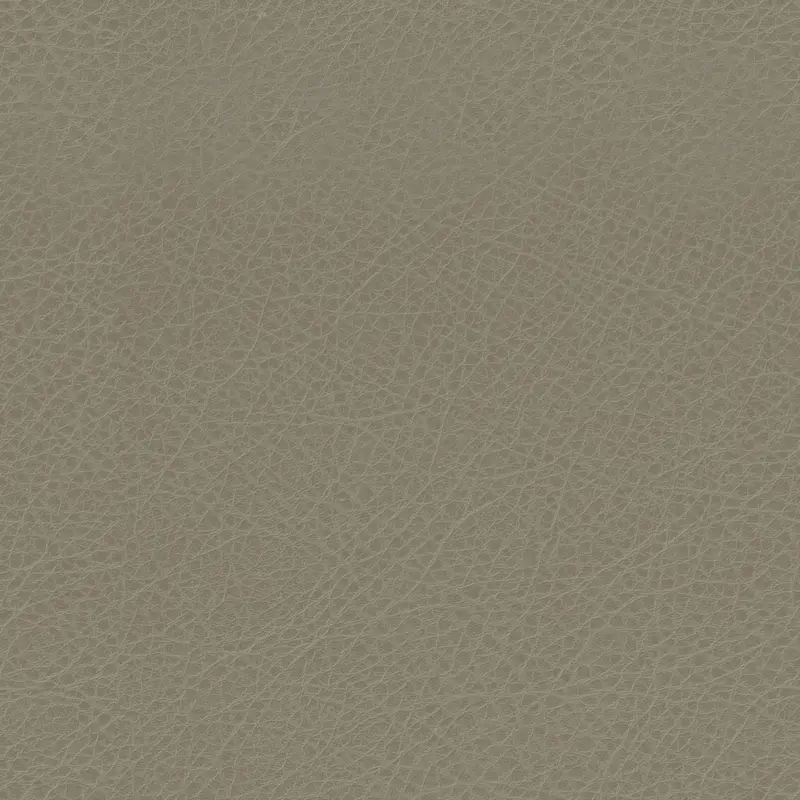
    This free 4K seamless texture showcases a light and modern leather texture with a fine texture pattern and subtle color variations. The texture surface is soft and smooth with a matte finish, giving it a natural and luxurious feel.
    Download 2K jpg(2048×2048).zip
    Download 4K jpg(4096×4096).zip

  • Leather Skin Surface Texture 4k for Realistic 3D Rendering

    Leather Skin Surface Texture

    This high-resolution seamless 4K texture accurately reproduces the delicate organic details of the leather surface, presenting subtle tonal variations and natural wrinkles and texture patterns.

    Download 2K jpg(2048×2048).zip
    Download 4K jpg(4096×4096).zip

  • 4k Leather Grain Skin Texture for Realistic 3D Visualization in Architectural and Interior Design

    Leather Grain Skin Texture

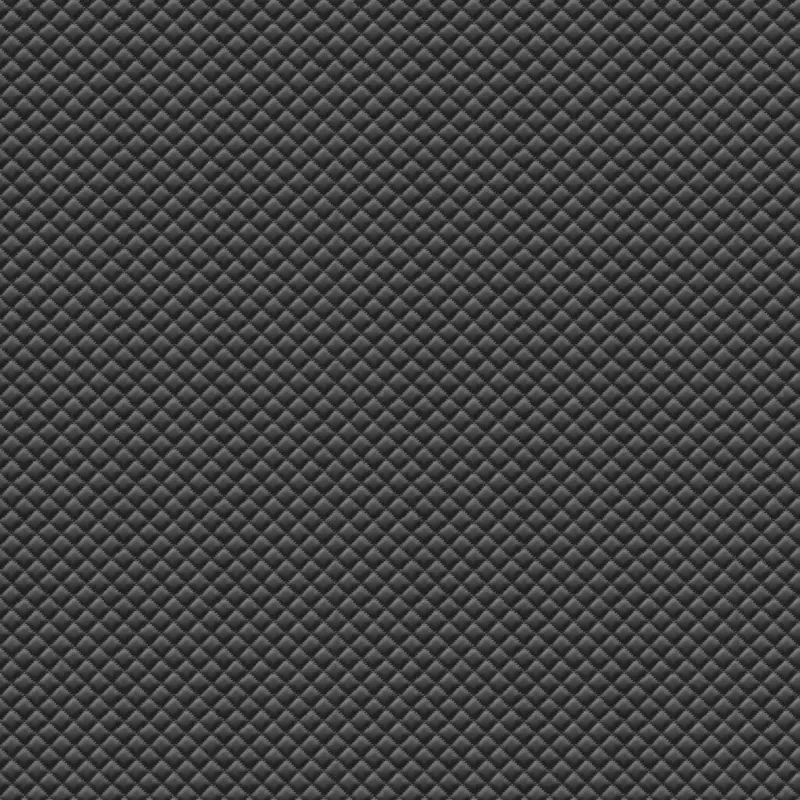
    This 4k seamless texture realistically reproduces the grain of leather, showcasing a finely textured surface with subtle variations in tone and depth. The texture captures the natural look of leather, including its unique patterns and subtle imperfections.If you want to improve the quality of your model again, use our pbr material,Based on high-quality CC0 royalty free textures.
    Download 2K jpg(2048×2048).zip
    Download 4K jpg(4096×4096).zip

  • Office Carpet Tile Texture 4k - Grey Tones for Realistic 3D Visualization

    Office Carpet Texture

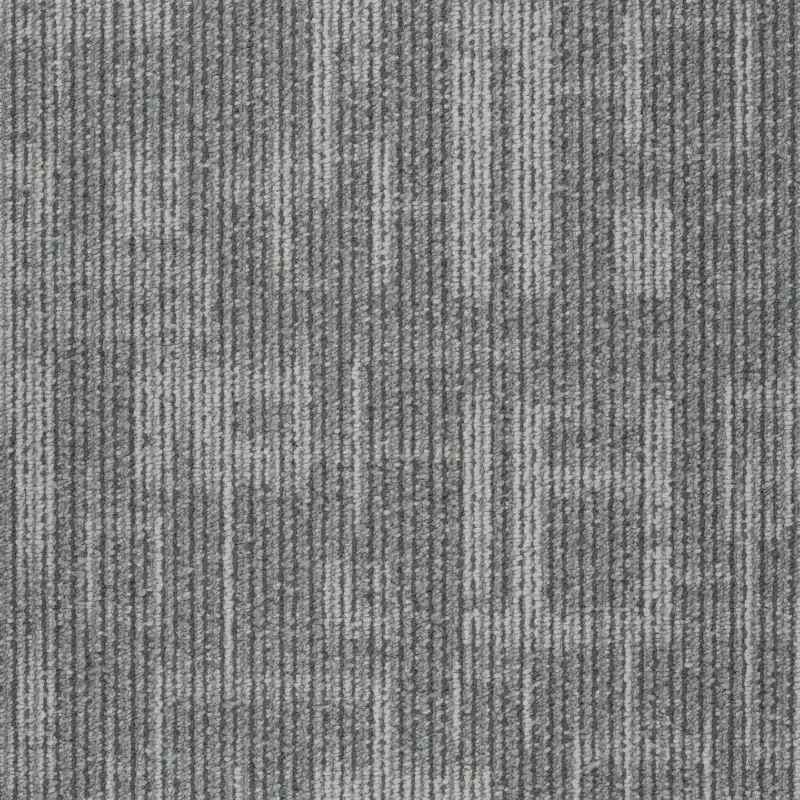
    This 4k seamless texture showcases an office carpet tile design featuring a mix of light and dark gray tones arranged in a vertical stripe pattern. The texture provides a subtle interweaving of tones, creating a modern and professional look suitable for a variety of commercial interiors.If you want to improve the quality of your model again, use our pbr material,Based on high-quality CC0 royalty free textures.
    Download 2K jpg(2048×2048).zip
    Download 4K jpg(4096×4096).zip

  • Light Fine Grain Leather free Texture 4k for Realistic 3D Rendering

    Light Fine Grain Leather Texture

    If you want to improve the quality of your model again, use our pbr material,Based on high-quality CC0 royalty free textures.
    Download 2K jpg(2048×2048).zip
    Download 4K jpg(4096×4096).zip

  • Modern Leather Skin free Texture 4k for 3D Modeling and Rendering

    Modern Leather Skin 4k Texture

    The Seamless 4k Texture is a highly detailed and realistic depiction of modern leather, presenting a delicate pebbled leather pattern with subtle tonal variations, ideal for a variety of applications. The texture simulates the tactile and visual effects of soft leathers used in furniture, fashion accessories and automotive interiors.
    Download 2K jpg(2048×2048).zip
    Download 4K jpg(4096×4096).zip